Application and participant management
Participant registrations, competition entries and their current application stages are managed in the same competition workflow.

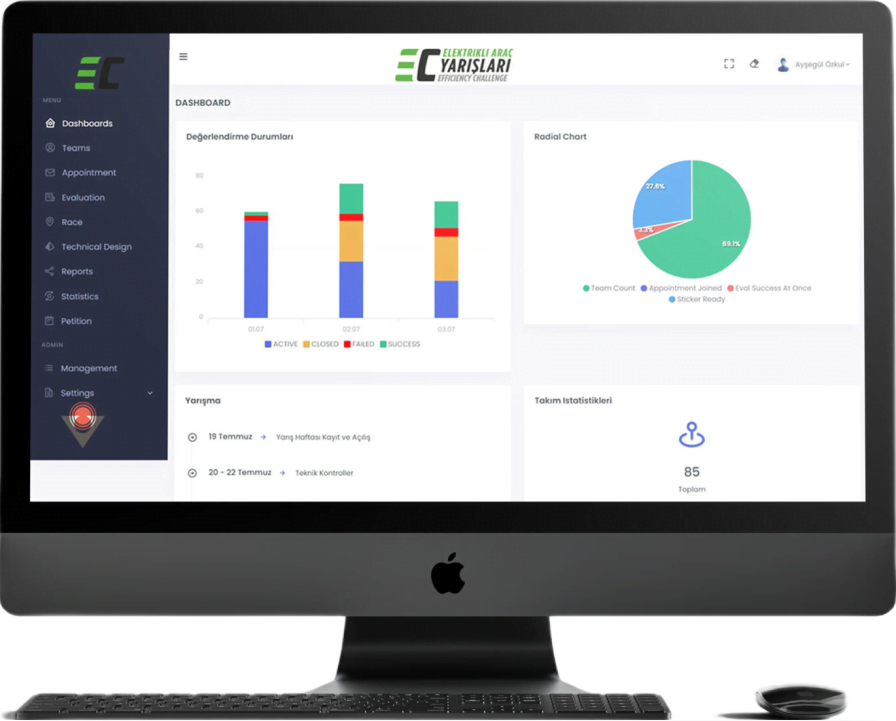
Rast Mobile Jury and Competition Management Software brings applications, categories, jury assignments, online judging, scoring and results into one platform for competitions, hackathons and jury-led programs. Organizers manage the workflow in the web panel, while judges review assigned entries on web or mobile.
Product capabilities
Applications, categories, jury assignments, evaluations and results stay connected in the same competition management system.
Participant registrations, competition entries and their current application stages are managed in the same competition workflow.
Entries can be organized under competition categories so jury assignments and evaluations stay within the relevant category.
Different jury members can be assigned to each category. Judges review the teams or contestants that fall within their responsibility.
Judges can view team or contestant information together with the relevant appointment or application-stage details.
Assigned entries can be reviewed and scored online through the jury screens, keeping the evaluation work in one system.
Teams and contestants can be distributed automatically and at random among the judges assigned to the relevant category.
Jury accounts can be created automatically and sent to the relevant email address or mobile number by email or SMS.
Scores and results are followed centrally. The workflow also supports Special Jury Awards and Achievement Awards.
How it works
The workflow connects the organizer, jury members and participants from initial setup through judging and results.
The competition structure and the categories used to group entries are prepared.
Participant and entry information enters the central competition workflow.
Jury accounts can be created automatically and communicated by email or SMS.
Judges are assigned by category; teams or contestants can also be distributed at random.
Judges open their assigned entries on web or mobile and record their evaluations.
Scores, results, Special Jury Awards and Achievement Awards are handled in the same process.
Web and mobile judging
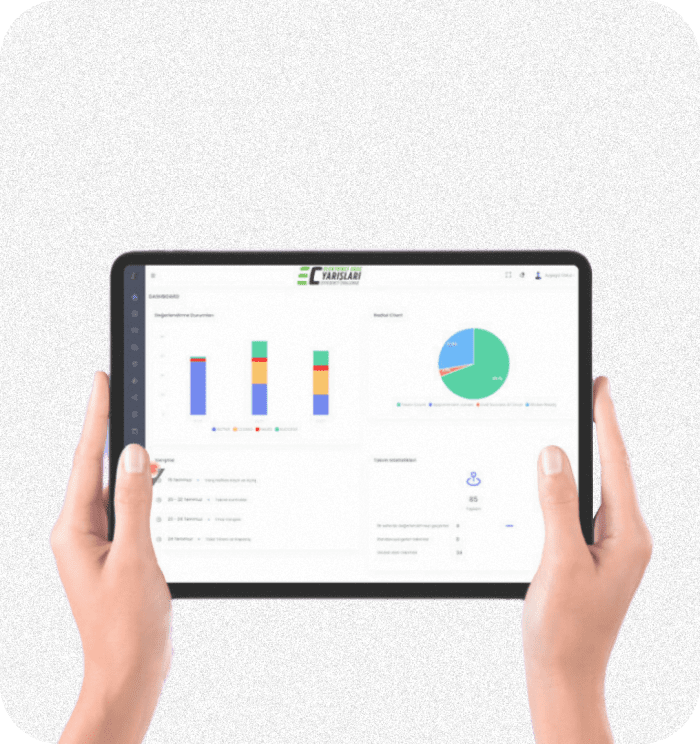
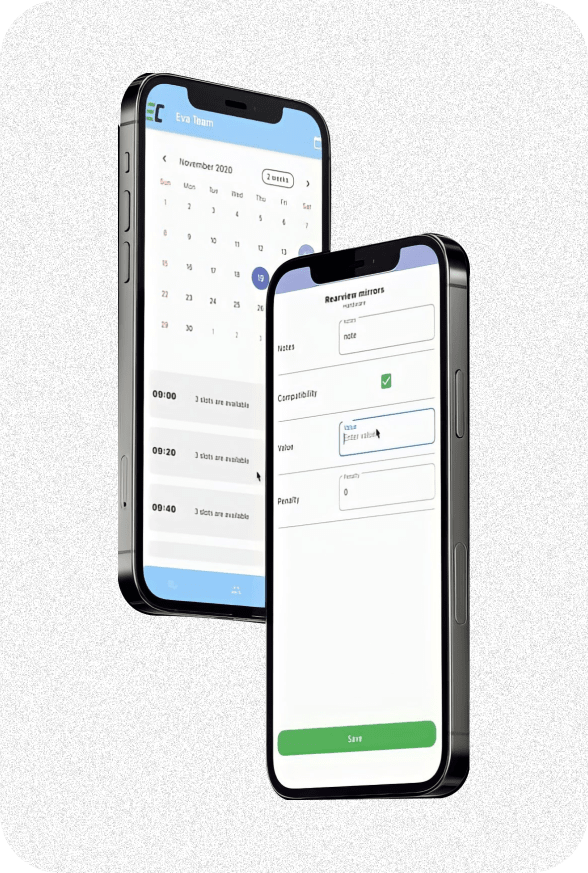
The organizer follows the competition through the web panel. Jury members can open assigned entries and record evaluations through the web interface or Android and iOS mobile applications.
Need a similar platform for a different workflow? Review our web application development services and mobile app development services.
Who it is for
The platform is suitable for competitions, hackathons, academic events, project evaluations and award programs where applications are reviewed by a jury.
Manage registrations, categories, jury assignments, evaluations and results from the central web workflow.
Open assigned teams or contestants, review application-stage details and score them online on web or mobile.
Register and submit the information required for the competition or jury-led evaluation process.
Common questions
Rast Mobile Jury and Competition Management Software is a platform for managing participant registrations, applications, categories, jury assignments, online judging, scoring, results and awards in one workflow.
Different jury members can be assigned to each category. Judges then review the teams or contestants that fall within their assigned category.
Yes. Teams and contestants can be distributed automatically and at random among the judges assigned to the relevant category.
Judges can view team or contestant information and the relevant appointment or application-stage details. They can then review and score their assigned entries online.
Jury accounts can be created automatically. Account information is sent to the relevant email address or mobile number by email or SMS.
Yes. The jury software can be used through the web panel and mobile applications on Android and iOS phones and tablets.
Yes. Special Jury Awards and Achievement Awards can be handled alongside the standard scoring and results process.
Tell us about the event, participant flow, categories and jury structure. We can show the relevant product screens.