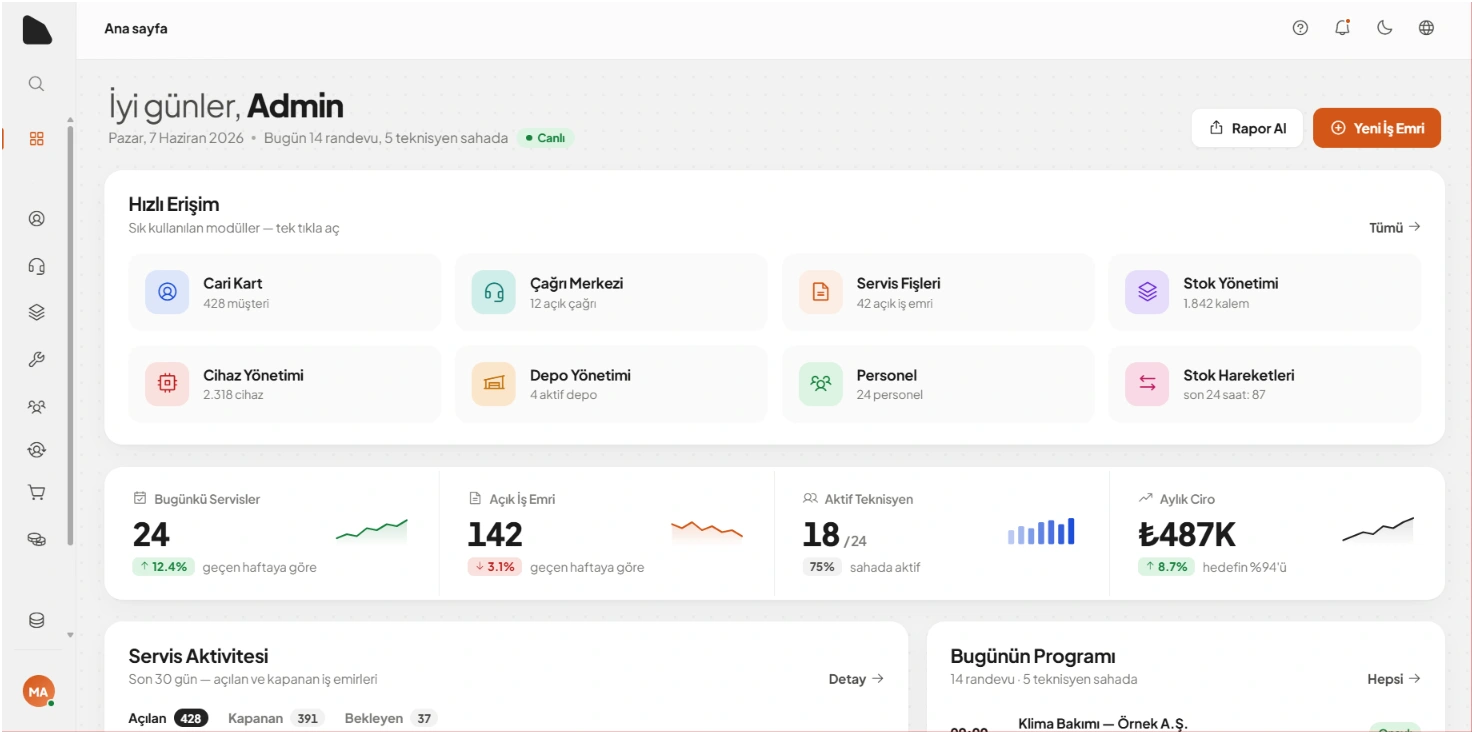
Technician Application
For maintenance, installation and technical service teams.
Manage work orders, service history, forms, photos, customer approvals and technician workflows from mobile devices.
Explore Technician App
FIELD SERVICE OPERATIONS
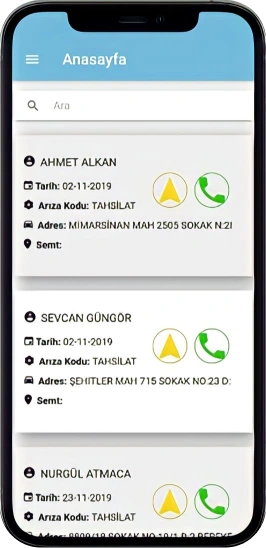
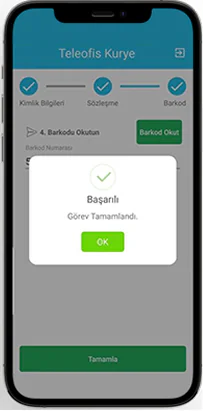
We build field service software and mobile applications technicians, couriers and field teams use to receive work, update jobs and send information back to your CRM, ERP or Dynamics 365 environment.
Work orders, customer data, forms, photos, signatures and delivery or service records stay visible to both field and office teams.
CONNECTED FIELD OPERATION
Field applications work best when they are connected to the systems your business already uses.
Work orders · Status · Forms · Photos · Signatures · Delivery and service records
03 / FIELD OPERATIONS PRODUCTS
These are not four competing products. Each is a different starting point based on the systems you already use and the workflow you need.
For maintenance, installation and technical service teams.
Manage work orders, service history, forms, photos, customer approvals and technician workflows from mobile devices.
Explore Technician App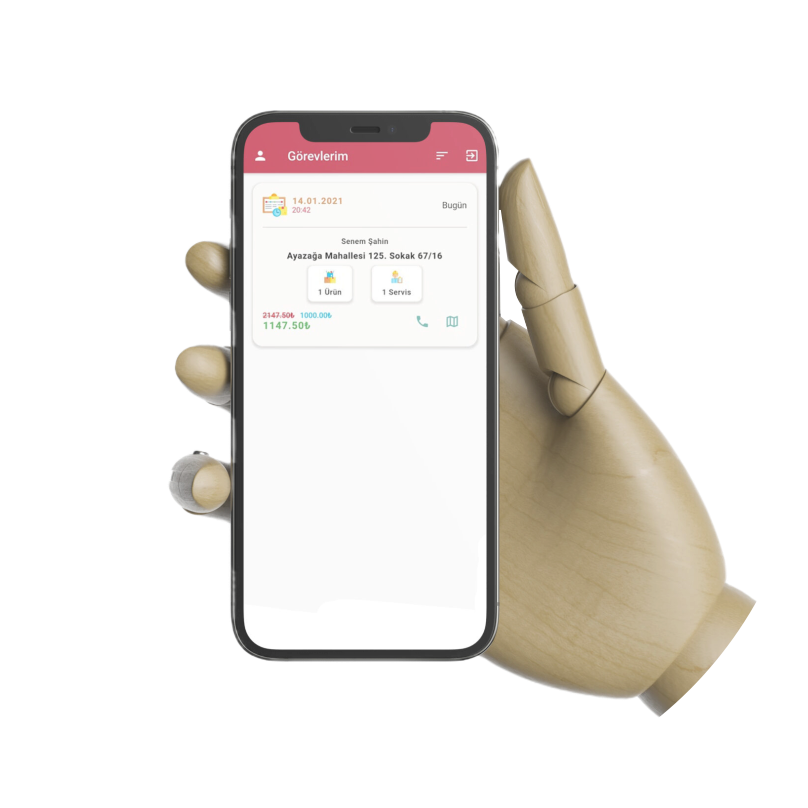
For delivery and mobile logistics operations.
Manage assignments, delivery status, proof of delivery, failed deliveries and daily courier operations.
Explore Courier App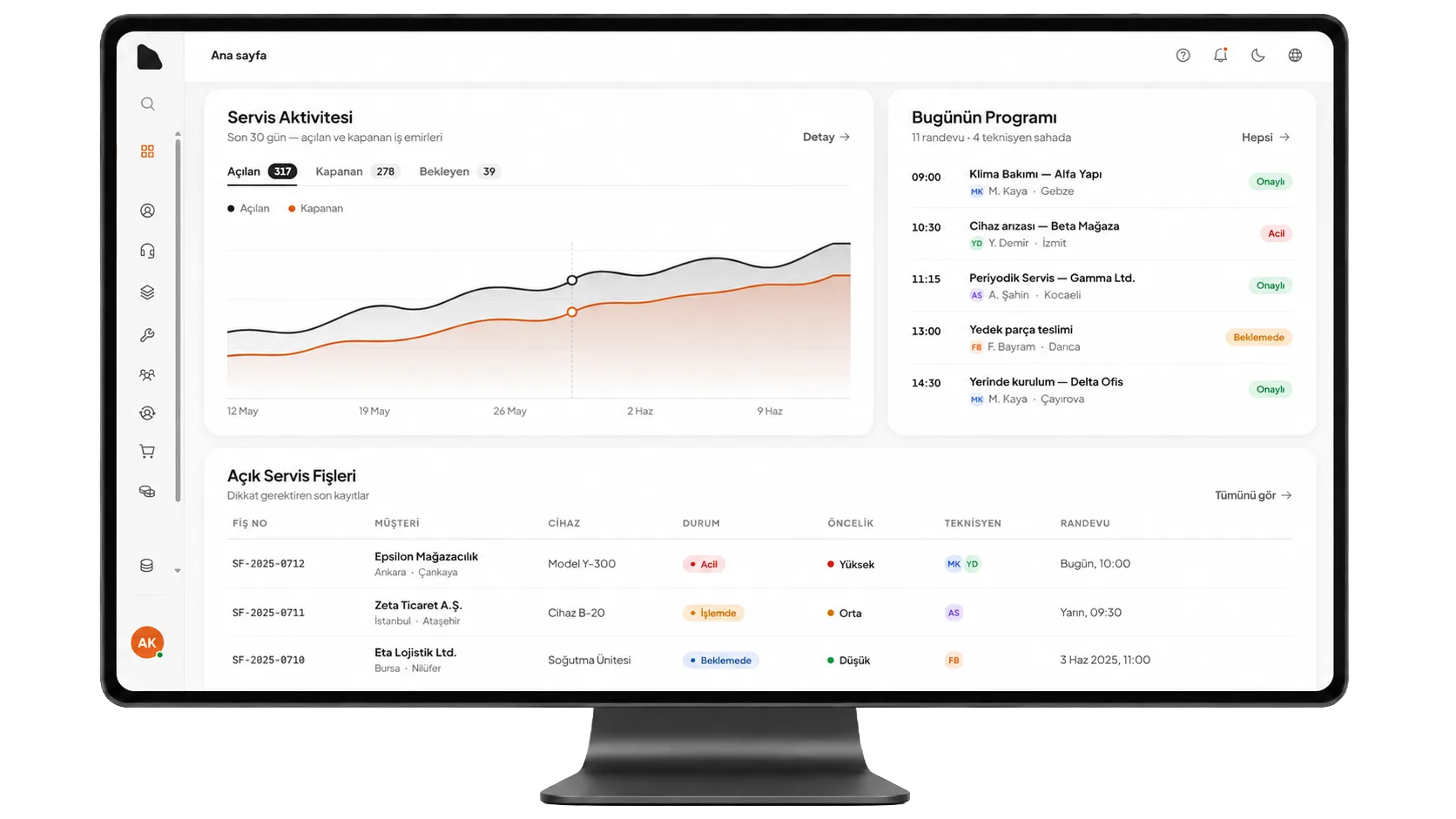
CRM and field operations in one connected system.
Manage customers, opportunities, quotations, work orders, technicians and mobile operations from one connected platform.
Explore RastCRMBuild field applications around an existing Microsoft business environment.
We build mobile and web applications on your existing Dynamics 365 and Dataverse environment instead of adding another operational system.
Explore Dynamics 365 Development04 / FIELD WORKFLOWS
Depending on the operational requirements, we plan the screens, device features, permissions and offline scope needed by the team.
Receive, assign and update field jobs.
Route work to the right person or team.
Show the records needed for the visit.
Capture required steps in a structured format.
Add field records to the related job.
Record service or delivery confirmation.
Open job addresses with the right context.
Continue selected steps with limited connectivity.
Return queued field updates when the connection is available.
Send assignment and status updates when required.
Exchange data with existing business systems.
Limit screens and actions by responsibility.
05 / STARTING POINT
The right setup depends on the systems your teams already use. A working CRM or ERP does not need to be replaced.
Keep Dynamics and Dataverse as your core business system. We build the mobile or web field applications around it.
Keep your existing backend. We can build the Technician or Courier application and connect it through APIs.
RastCRM can provide customer management, work orders and connected field applications in the same setup.
Start with a standalone technician, courier or custom mobile application and connect additional systems later.
06 / INTEGRATIONS
A new field application does not mean replacing your existing ERP or CRM. Technician, courier and custom field applications can be connected to your existing systems through APIs.
07 / INDUSTRIES
The equipment and workflow may change, but field and office teams still need to work with the same records.
Service, dealer and connected mobility workflows.
Equipment records and multi-country field teams.
Courier assignments, status and proof of delivery.
Breakdown, maintenance, installation and customer service visits.
08 / FIELD SERVICE FAQ
Field service software helps technicians and other mobile teams receive assignments, access customer or asset information, complete forms and send updates back to the office.
Yes. We can build the field application around an existing CRM, ERP, Dynamics 365 or custom backend instead of replacing it.
No. RastCRM is one option. Technician and Courier applications can also be integrated with an existing backend or business system.
Yes. Rast Mobile develops web and mobile applications that use Dynamics 365 and Dataverse as the existing business and data layer.
Offline workflows can be implemented for processes that need to continue in areas with limited connectivity. The exact offline scope depends on the project and data requirements.
Yes. Technician and Courier products can provide a starting point, but we also develop custom field applications for company-specific operational processes.
Yes. When the data model and access rules are planned for both workflows, technician, courier and other field applications can exchange data with the same backend while keeping their screens and permissions separate.